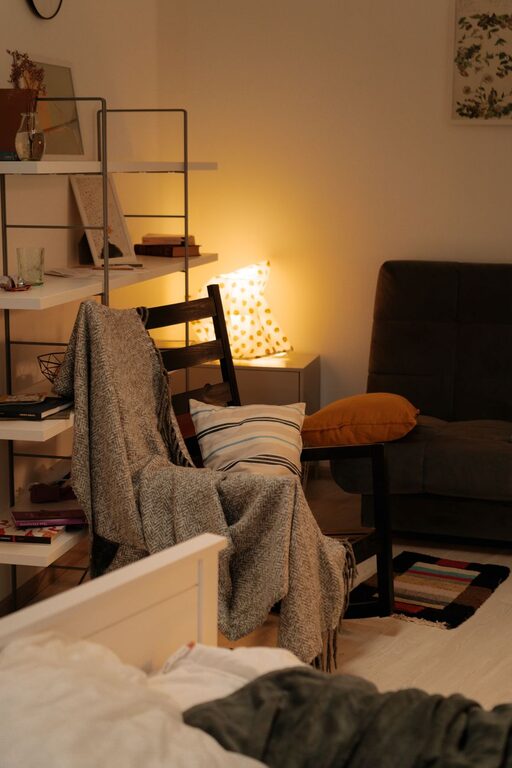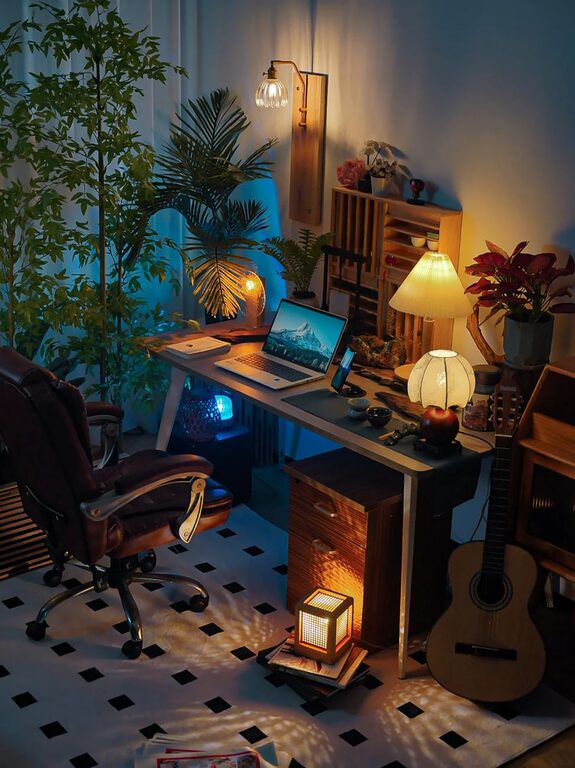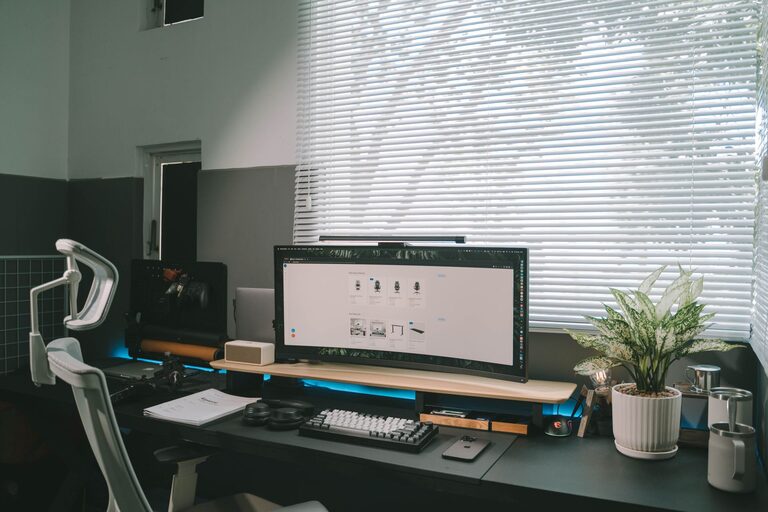

Creating a home office that feels cozy yet boosts your productivity is the key to making remote work enjoyable and effective. Whether you’re working full-time from home or just occasionally, having a dedicated space designed to meet your needs can make a big difference in your daily routine. Here are some practical tips to help you craft a home office that combines comfort with efficiency.
1. Choose the Right Location
Find a Quiet Spot
Pick a space in your home where you can focus without frequent distractions. Ideally, this spot should be away from noisy areas like the kitchen or living room. Natural light and good ventilation are also important for comfort and alertness.
Consider Space and Privacy
Select an area that provides enough room for your desk, chair, and any other equipment you need. Adding a door or room divider can help create a boundary between work and personal life, enhancing concentration.
2. Invest in Comfortable and Functional Furniture
Ergonomic Chair
A supportive chair is critical for long hours of work. Look for adjustable options that promote good posture, reduce strain on your back, and keep you comfortable throughout the day.
Suitable Desk
Choose a desk that fits your space and work style. If you need to move around or alternate between sitting and standing, consider an adjustable sit-stand desk. Make sure it has enough surface area for your computer, notebooks, and other essentials.
3. Optimize Lighting
Natural Light
Maximizing natural light helps reduce eye strain and improves mood. Position your desk near a window if possible, but avoid glare on your screens by using curtains or blinds.
Task Lighting
Add a good desk lamp to provide focused light for reading or detailed work. Adjustable lamps with warm light options can also create a cozy ambiance.
4. Organize Efficiently
Declutter Your Space
Keep only the essentials on your desk to maintain focus and reduce stress. Use organizers, trays, or drawers to store pens, papers, and other small items neatly.
Use Shelving and Storage
Wall shelves or filing cabinets can help you keep documents and supplies within reach but out of sight. Label storage containers so you can find things quickly.
5. Add Personal and Cozy Touches
Decorate Thoughtfully
Incorporate elements that make the space inviting without distracting you. This might include a few plants, framed photos, or artwork. Plants not only enhance aesthetics but can also improve air quality.
Use Soft Textiles
Adding a comfortable rug, cushions, or a throw blanket can soften the room and make it feel warmer. These touches also contribute to a calming environment.
6. Minimize Distractions and Enhance Focus
Set Boundaries
Communicate your work hours and space boundaries with family or housemates. Using noise-canceling headphones or playing subtle background music can help block out interruptions.
Manage Technology Wisely
Keep your workspace tech organized by managing cords and chargers with cable clips or a cord management box. Disable non-essential notifications to maintain concentration.
7. Personalize Your Productivity Tools
Use a Planner or Digital Calendar
Plan your workday with tools that fit your style, whether it’s a paper planner or a digital app. Scheduling breaks and setting goals can keep you on track.
Incorporate Inspirational Items
Having a motivational quote, vision board, or a small item that inspires you nearby can boost your mood and keep your energy positive.
8. Maintain Cleanliness and Regular Upkeep
Daily Tidy-Up
Spend a few minutes at the end of each day organizing your desk. This simple habit helps you start fresh every morning.
Regular Deep Cleaning
Dust and clean your workspace regularly to keep it hygienic and inviting. Clean screens and keyboards to prevent glare and discomfort.
—
Designing a cozy and productive home office does not require a costly overhaul. By focusing on comfort, organization, lighting, and personalization, you can create a space that motivates you and makes working from home a pleasure. Start with small changes and adjust your setup as you discover what works best for you. Happy working!